How to Redirect Your Squarespace Contact Form to a Thank You Page

Most people spend a lot of energy getting visitors to their contact page. Almost nobody thinks about what happens next.
That moment after someone hits "submit" is awkward.
Did it go through? Is it sitting in a spam folder somewhere?
The default Squarespace popup does the job, but barely.
I had a potential client once tell me she wasn't sure her message got through. It hadn't.
A dedicated Thank You page fixes that.
Here's how to set one up.
Create the page first
Before you touch your contact form, you need somewhere to send people.
Go to your Pages menu in the Squarespace sidebar and scroll down to the Not Linked section.
This keeps it out of your main navigation.
Hit the + icon, select a Blank Page, and name it something like "Thank You" or "Message Received."
Keep it simple. A short note confirming their message arrived, your typical response time, and maybe a couple of links to your work or latest posts.
That's all it needs to do.

Update your form settings
Navigate to the page where your contact form lives and click Edit. Hover over the form block until the toolbar appears, then click the pencil icon to open the settings.
Look for the Post-Submit option. It's set to "Message" by default.
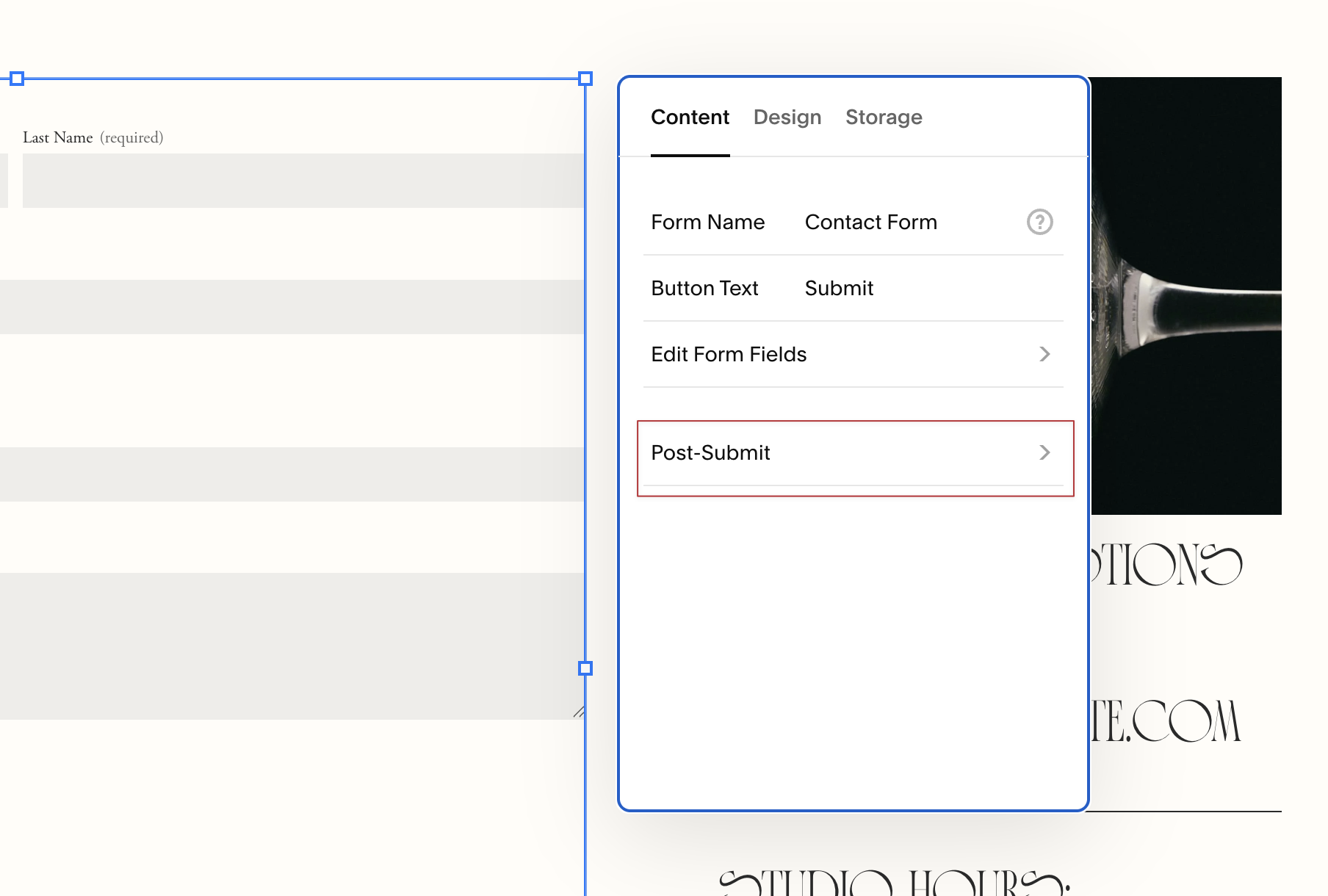
Change it to Redirect, then use the gear icon to select the Thank You page you just created.
Save that window, then save the page itself.
That second save is the one people miss.

Test it. Fill out your own form and make sure the redirect actually fires.
What to put on the page
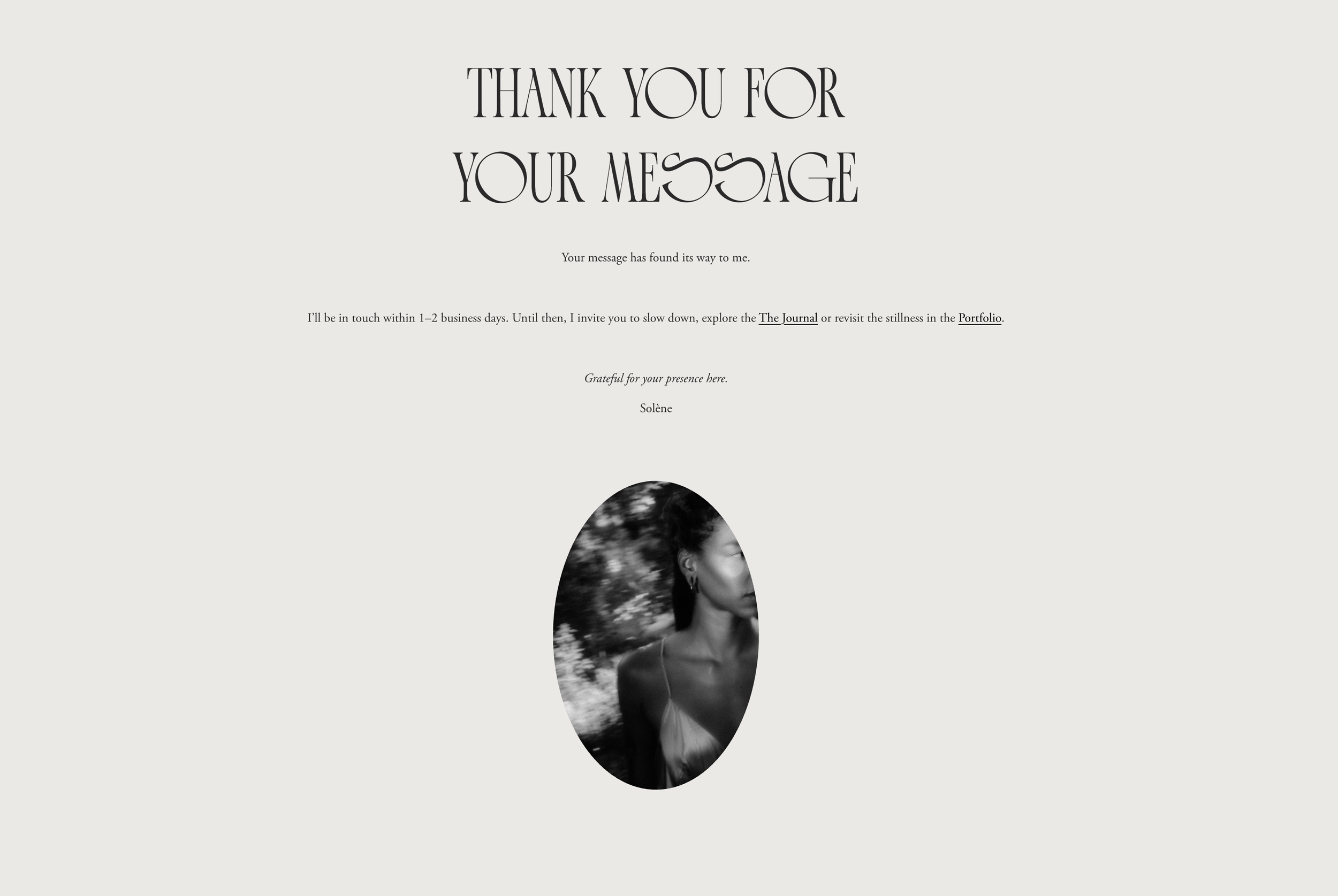
If you're staring at a blank page wondering what to write, keep it functional. Something like:
Your message has arrived safely.
I usually reply within 24 to 48 hours. In the meantime, here are a few places worth exploring, [link to work], [link to a recent post], [link to your shop].
That's it.
They just want to know their message landed.
One thing worth noting
If you want your form to do more than send you an email, say, automatically add someone to a Flodesk segment or trigger something in Dubsado, that's a different setup entirely.
It requires third-party integration and is worth bringing in a designer or developer (hi, that’s me) to handle properly.
What's covered here is the redirect itself, which you can knock out in about ten minutes.
A Thank You page is a small thing. But it's the difference between a website that feels like a form and one that feels like a conversation. Worth ten minutes of your afternoon.


