
welcome to
Musings & Tutorials
My digital abode where I share design tips, the occasional business insights and behind-the-scenes peek at what I'm working on.

I Was Making Every Template From Scratch
I had another breakthrough about my Squarespace templates recently. I’ve been looking at shops with a lot of products and trying to understand how they manage to keep creating at that pace. One pattern keeps coming up: they productise their work.
My Website Is Live Again, Here's What I Changed This Time
If you've followed me for any length of time, you probably know I have a habit of tinkering with my website. I'm a designer. I'm not sure I'm physically capable of looking at my own site for too long without eventually thinking, Hmm... I could change that.
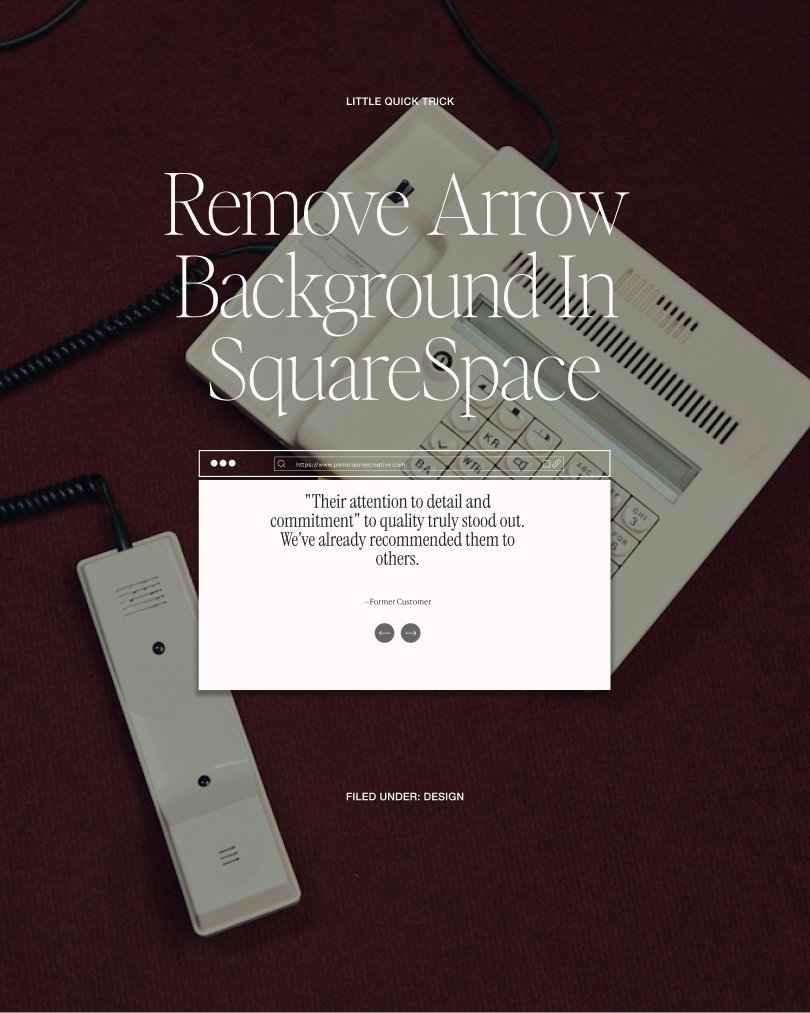
How to Get Minimal Arrows in SquareSpace
Hey, have you ever wondered how to get these really nice minimal arrows in SquareSpace? I will show you and you won't need to know any code.
3 Things That Were Quietly Killing My Website's First Impression
After launching my website with a near 100% bounce rate, I learned the hard way what was going wrong. Here are the three homepage mistakes I fixed, and how you can too.
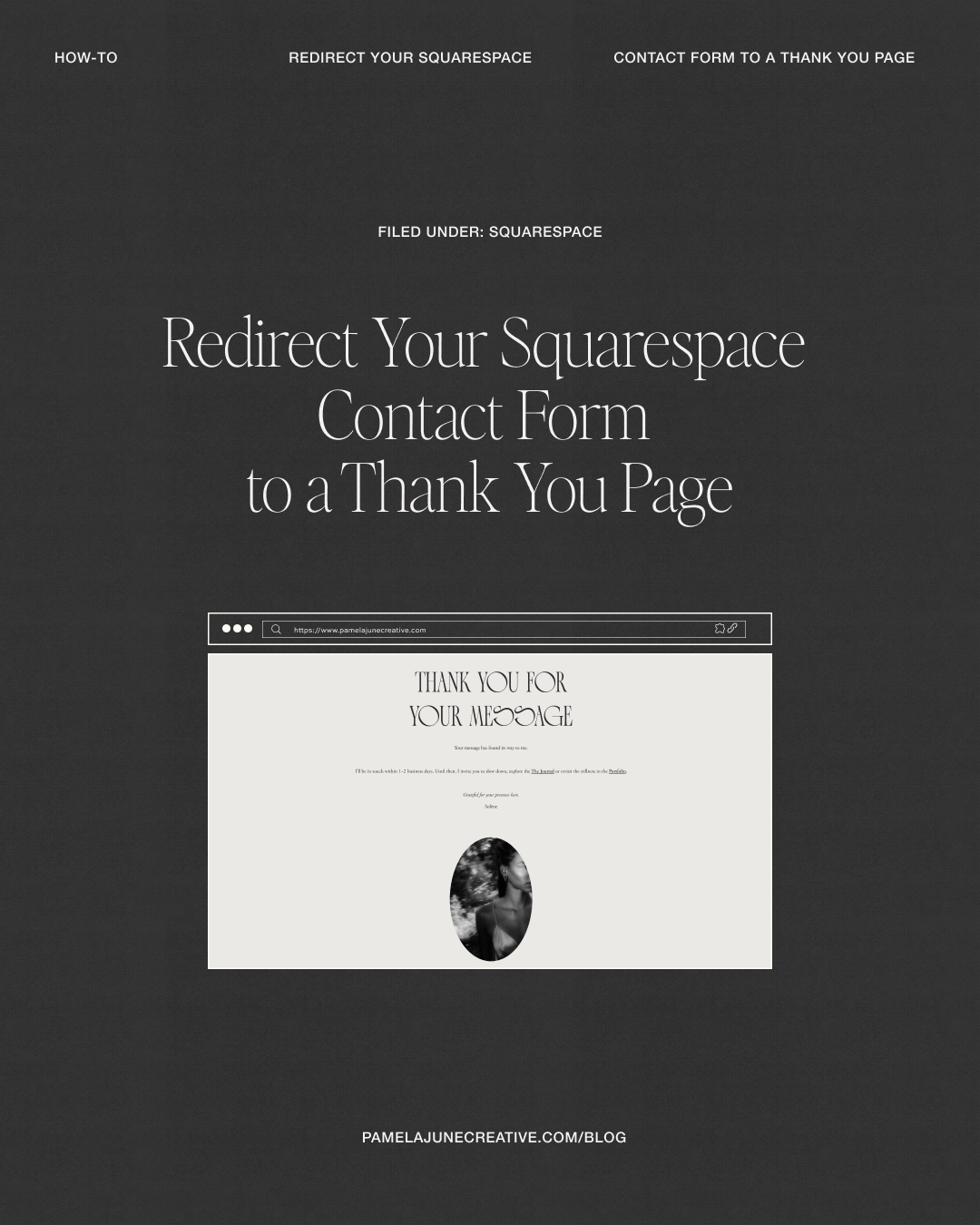
How to Redirect Your Squarespace Contact Form to a Thank You Page
Most people spend a lot of energy getting visitors to their contact page. Almost nobody thinks about what happens next.

How to Refresh Your Website Without a Full Rebrand
January rolls around, and suddenly everyone’s announcing a “new era.” New colours. New fonts. New niche. New personality.And honestly? If you’ve been feeling the itch to rebrand or completely redo your website, I get it. A fresh start feels clean, motivating, and even a little like relief. But most of the time, that urge isn’t about branding at all. It’s about pressure.

Adding Borders to Images in Squarespace: No‑Code and CSS Options
A simple border can make your images look more professional and well-designed. Squarespace 7.1 offers two good ways to add borders: a no-code option using Shape blocks in Fluid Engine, and a CSS option that works well across different pages and image types.

Squarespace’s AI SEO Tool: A Game‑Changer for Website Owners
Short on time but want better SEO? Squarespace’s new AI SEO features help you spot what’s missing and fill it in fast — page titles, meta descriptions, and image alt text — all without leaving your site settings. This guide shows exactly where to click, how to review AI suggestions, and what to tweak for the best results.

Why Your Squarespace Site Needs a Custom 404 Page
Picture this: A potential client finds your business through a Google search, clicks on what looks like the perfect service page, but instead of landing on your beautiful website, they're greeted with a stark, generic "Page Not Found" message. Frustrating, right? They might just click away and never return.

Why Working with a Squarespace Circle Gold Member Makes All the Difference for Your Website
You know that feeling when you're trying to figure out Squarespace on your own and everything feels like it should be simple, but somehow isn't? I get it completely. That's exactly why I'm excited to share something that makes working together so much more valuable for you as my client.