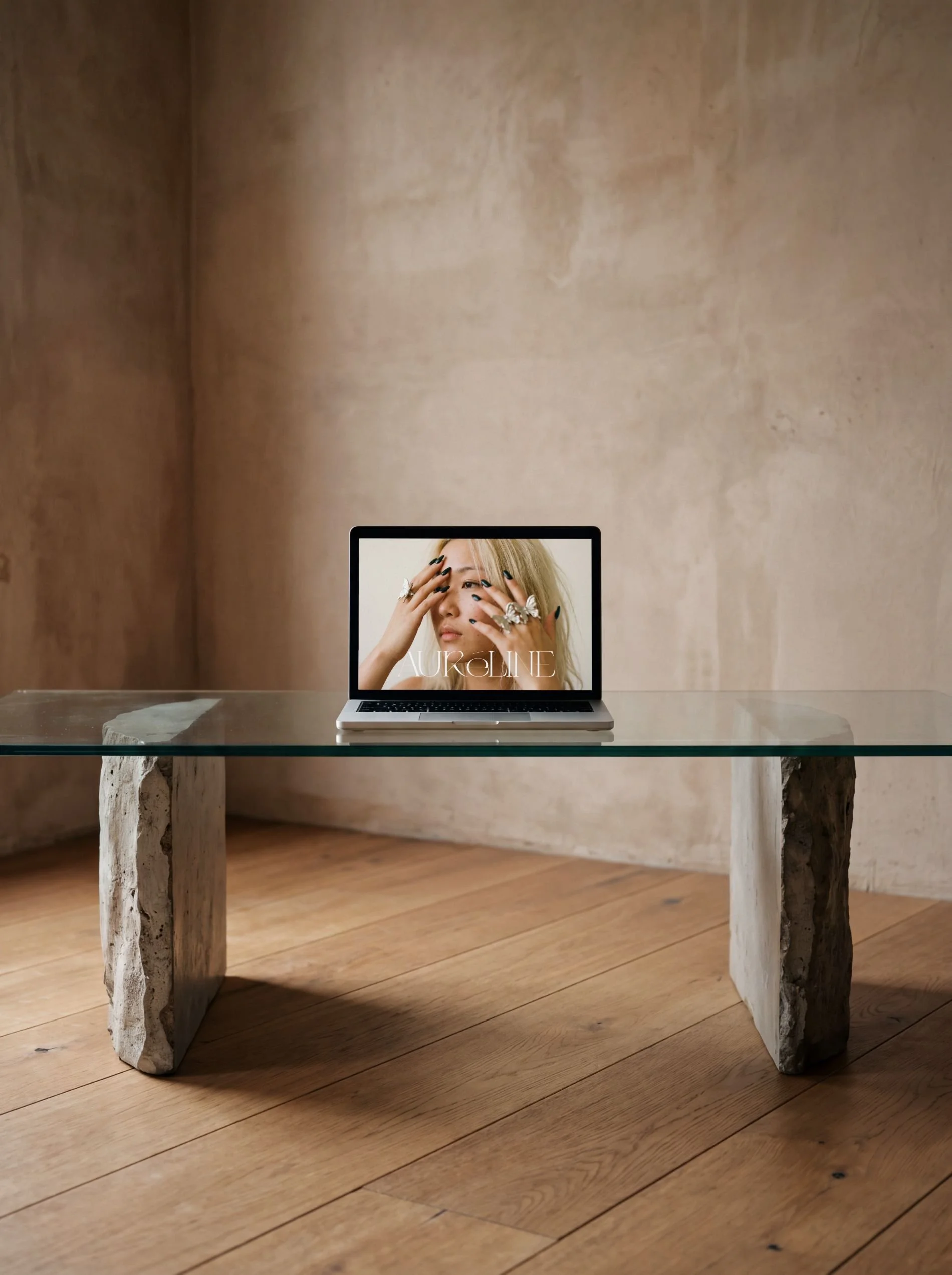
 Image 1 of 4
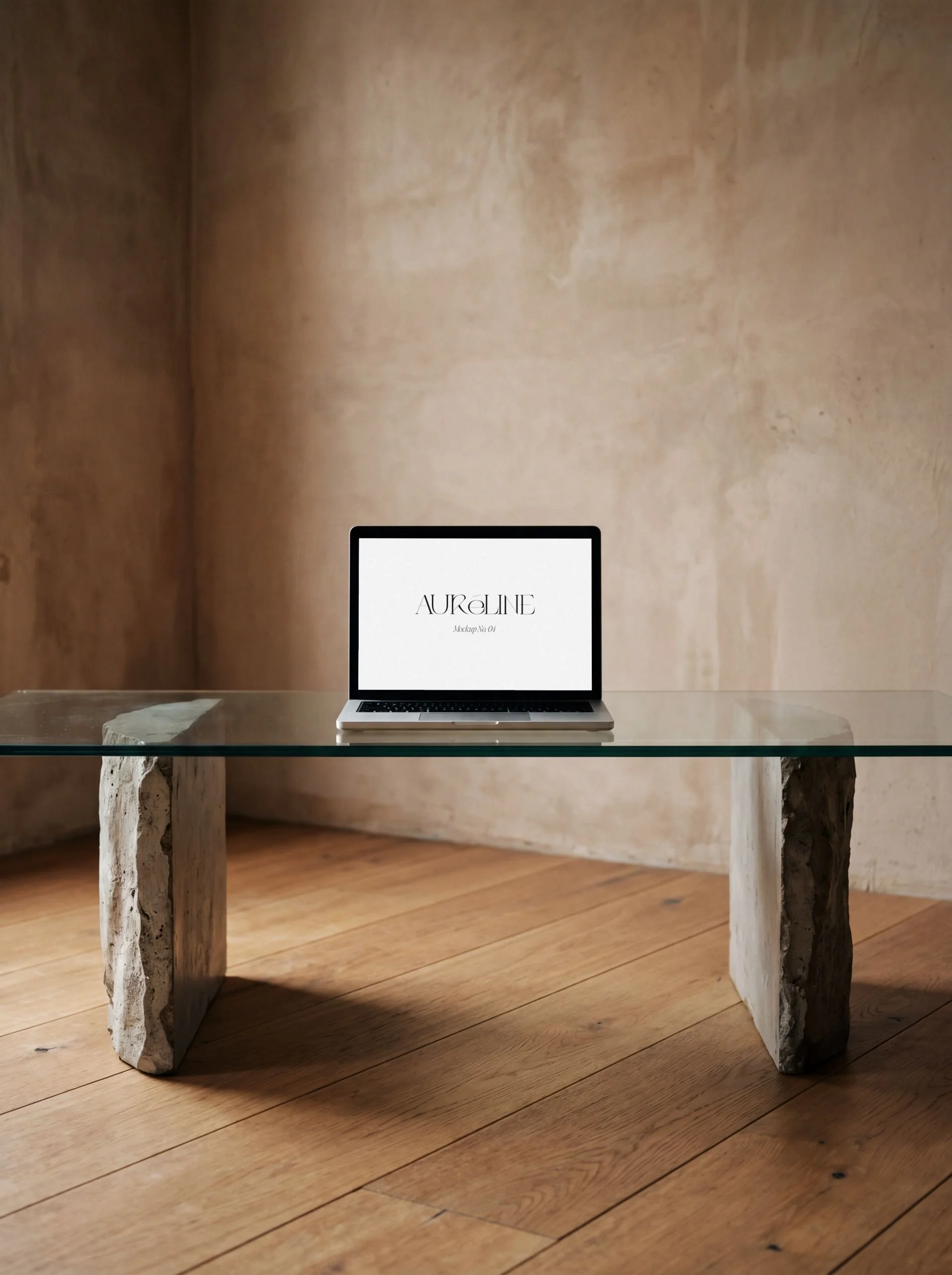 Image 2 of 4
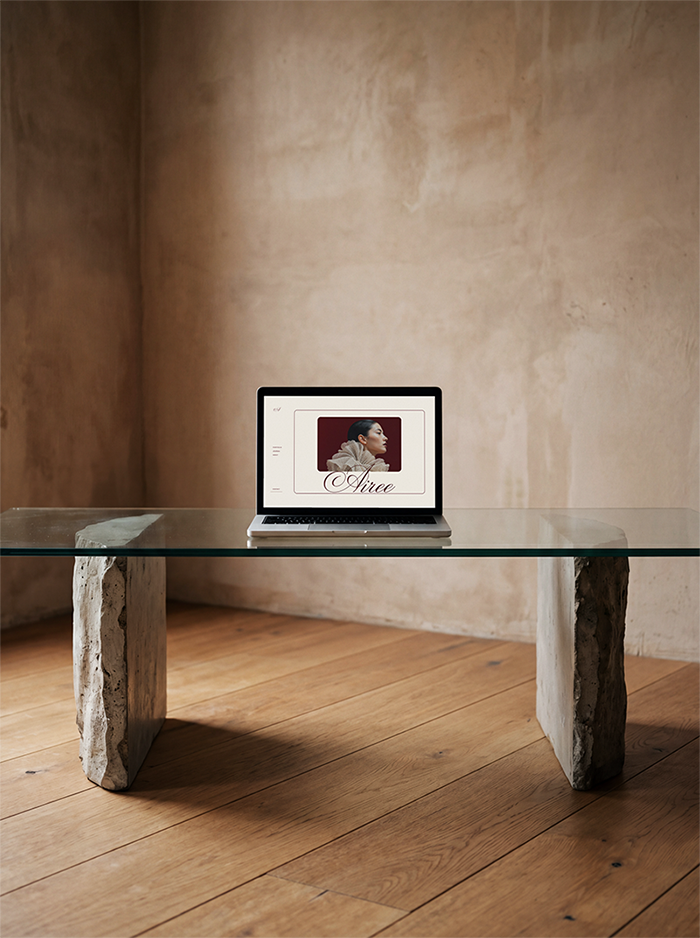 Image 3 of 4
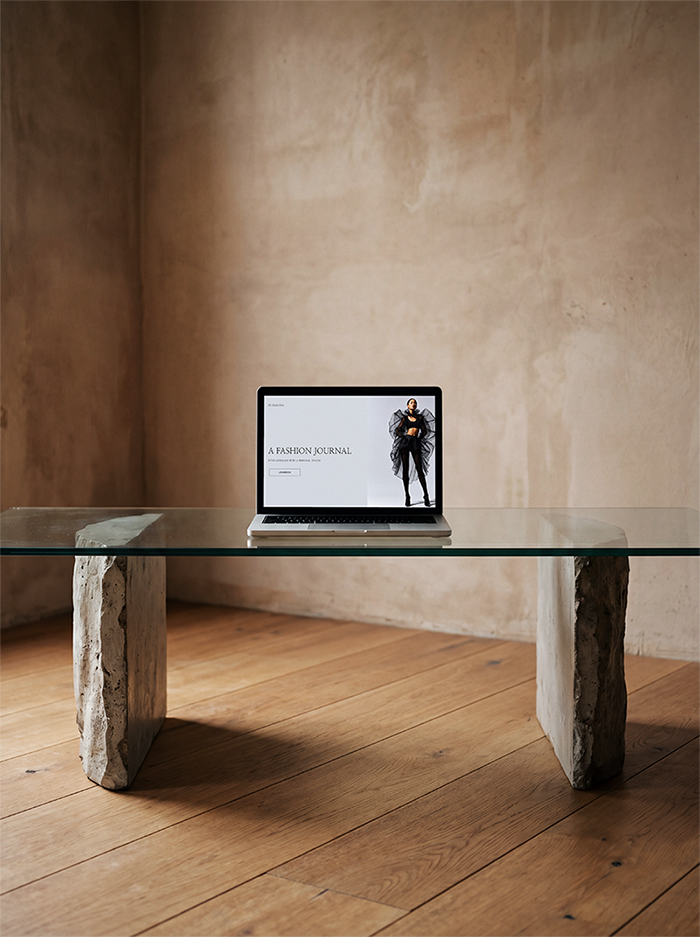 Image 4 of 4
The detailsWHAT'S INCLUDED
1 × high-resolution PSD file with smart object layer.
Laptop screen display.
300 DPI, print and screen ready.
HOW IT WORKSDownload and open the PSD file in Photoshop.
Double-click the smart object layer.
Place your design, save, and close.
Your design appears placed in the scene.
What Happens After PurchaseThis is an instant download. Once payment is received, you will receive a PDF containing a Google Drive download link.
A raw stone table. A sun-warmed plaster wall. Nothing competing for attention but your work on screen. This laptop mockup strips the styling back to its essentials and what's left is something that feels more gallery than studio, more intentional than decorated.
If the first mockup in this series is the styled moment, this one is the exhale after it.
✳︎ PERFECT FOR
• Brand designers showcasing client work.
• Digital product sellers (Canva templates, presets, courses).
• App and UI/UX designers.
• Canva template creators.
Some QUestions & Answers
-
Simply replace the placeholder with your own design. Please note that the objects within the scene and background elements cannot be moved.
-
Clear and simple: 1 purchase = 1 personal or business account. You may use this mockup in client work and marketing materials. You may NOT resell, redistribute, or share the file, include this file in any product, bundle, or resource for resale or claim the mockup as your own work.
-
• This is a digital download, nothing will be shipped.
• Requires Adobe Photoshop or Photopea to edit the smart object.
• The sample artwork shown is not included. -
Due to the digital nature of this download, this download is non-refundable. Please reach out if you have any questions or hesitation and I’ll be happy to help. If you have any questions, please reach out through email: info@pamelajunecreative.com
-
This mockup was created using a combination of AI generation and digital art direction, carefeully curated for editorial, intentional visual storytelling.